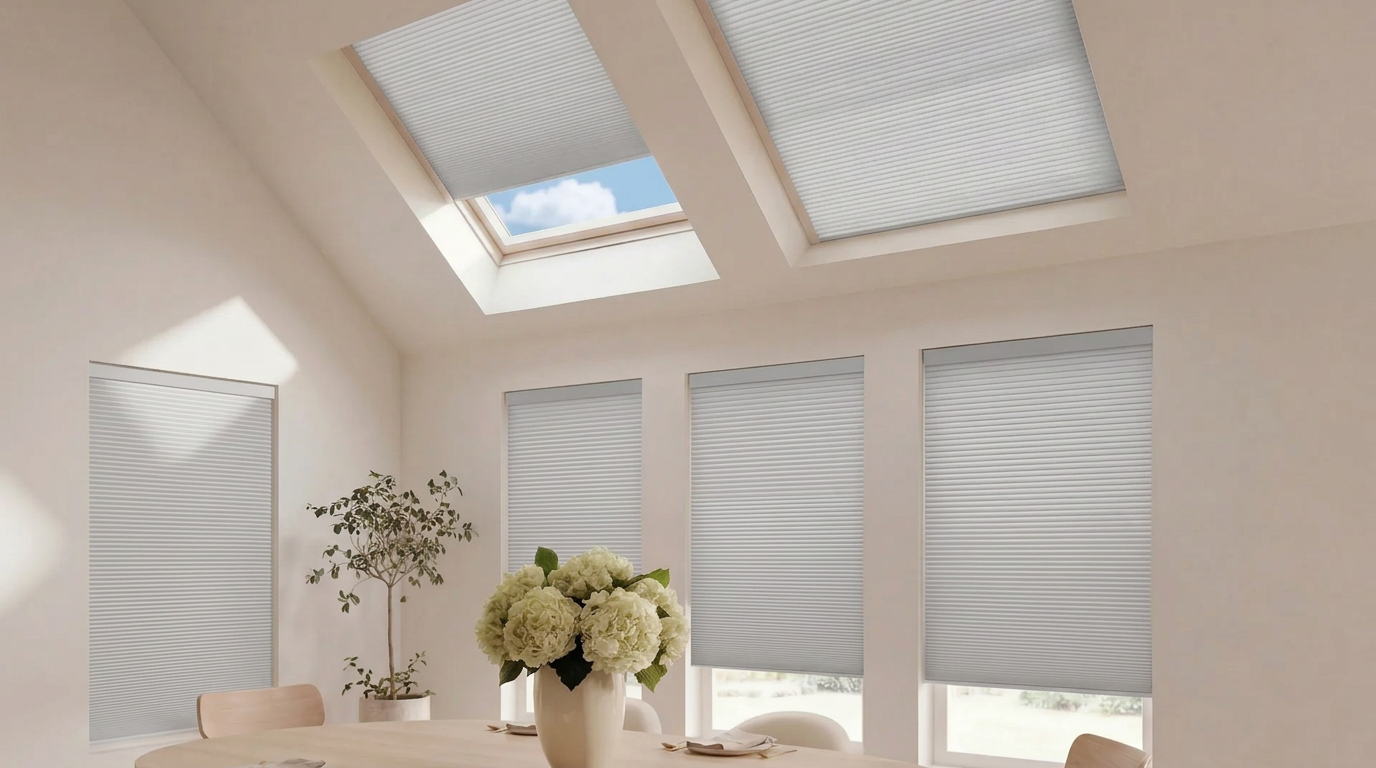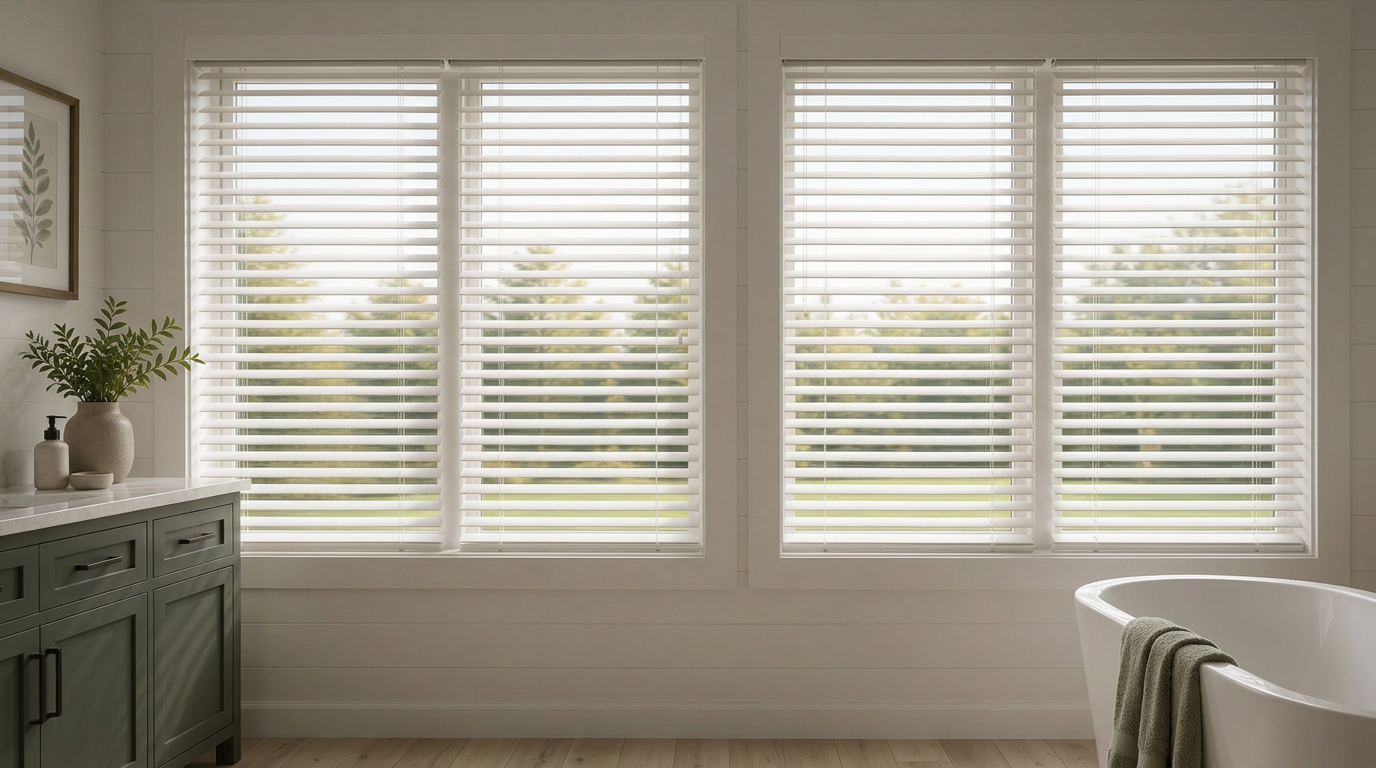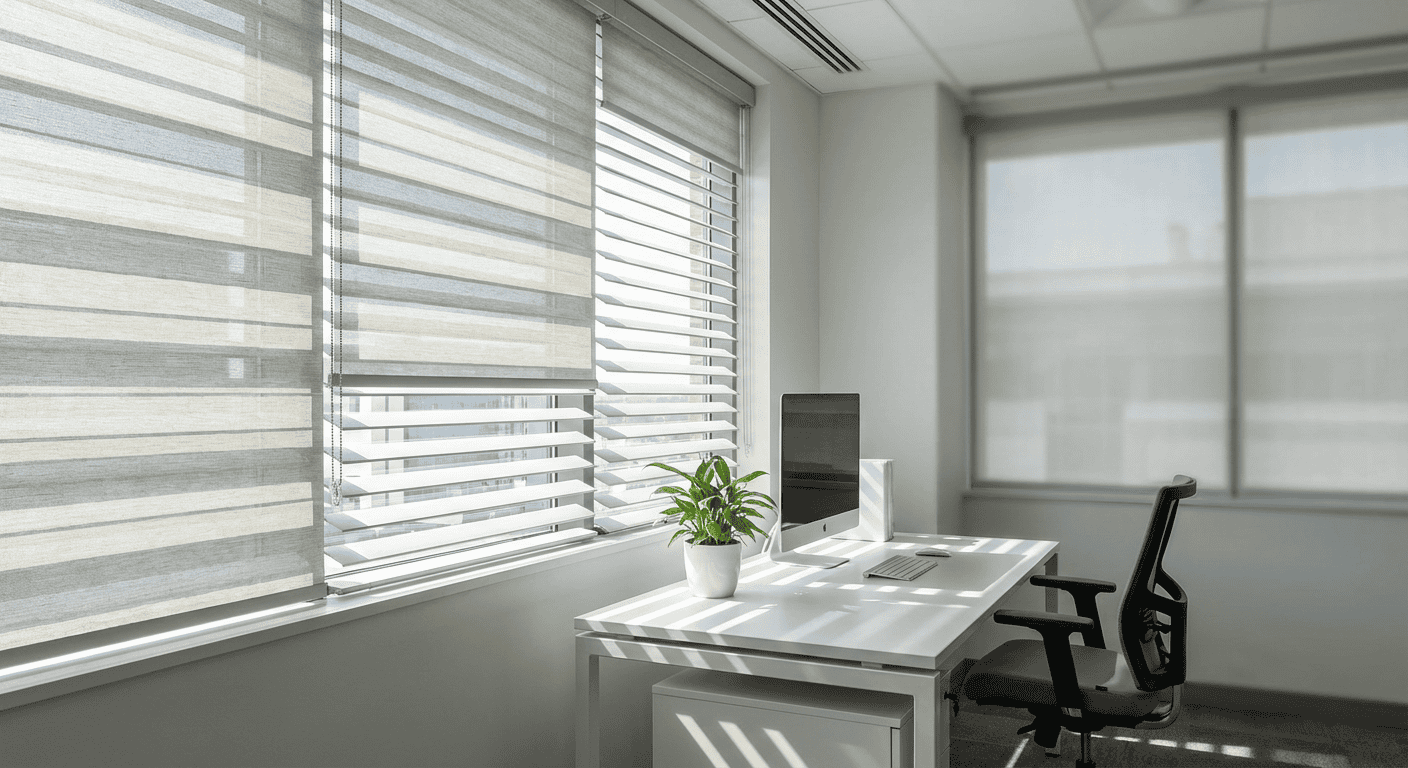

When comparing smart shades, having these Hunter Douglas motorization systems explained for PowerView vs SoftTouch reveals that PowerView® Automation delivers whole-home smart scheduling via remote, app, or voice control. whereas SoftTouch® operates via an intuitive, wand-controlled system. ideal for individual window adjustments. The experts at Advance Blinds can help you explore PowerView® Automation to seamlessly integrate automated window coverings into your smart home ecosystem. Choosing between them ultimately depends on whether you prefer sophisticated whole-room synchronization or simple, touch-activated wand operation for your daily routine.
Overview
Selecting automated window treatments requires evaluating how daily control methods, power sources, and integration options match specific household routines. Homeowners evaluating motorization systems explained for powerview vs softtouch often weigh hands-free smart scheduling against simple, wand-activated local control.
This comparison includes a labeled real-world hypothetical that illustrates hardware selections based on room layout and budget constraints. Review the sections below to compare engineering mechanics, power supplies, and control hardware across both systems.
- System Overview: compare high-level architecture across both automated platforms in this operating system comparison.
- Core Categories: examine how internal motors replace manual cords through modern motorized shading hardware.
- Mechanical Functions: review how motors, drive shafts, and power wands interact in automated shade operation.
- Everyday Advantages: learn how cordless designs assist daily accessibility using motorized window coverings.
- Interface Options: evaluate apps, wall switches, and remotes for controlling motorized blinds.
- Selection Criteria: match your window dimensions and budget to the right system when choosing motorization options.
Comparing Hunter Douglas PowerView Automation and SoftTouch Wand Control
Selecting the right automated shades begins by evaluating whether you want whole-home wireless networking or simplified local wand operation. With PowerView® Automation from Hunter Douglas, motorized treatments run on radio frequency (RF) and Bluetooth® Low Energy (BLE) channels.. This smart network links shade groupings across multiple rooms, activating daily movements via the PowerView® smartphone app, third-party voice assistants, or a handheld Pebble® remote control.
In contrast, Shades powered by Sonnette® Shades with SoftTouch® Motorization bypass wireless hubs entirely. in favor of an ergonomic wand suspended from the headrail. A simple downward tug lowers the fabric, while an upward tap prompts it to retract smoothly to your preferred preset position. Both configurations conceal their power supplies seamlessly inside the top casing, frequently utilizing Hunter Douglas Rechargeable Battery Wands eliminate dangling lift cords. and guarantee compliance with Canadian child safety regulations.
| System Feature | PowerView® Automation | SoftTouch® Motorization |
|---|---|---|
| Primary Control Method | Mobile app, Pebble® remote, smart home integrations | Attached magnetic wand with intuitive touch control |
| Network Requirements | Bluetooth® Low Energy and home Wi-Fi bridge | None (standalone localized operation) |
| Best Architectural Applications | Skylights, high foyer glass, multi-window banks | Standard-height windows in guest rooms, nurseries, bedrooms |
| Hardware Expense | Full-scale smart motorization investment | Averages 30% to 40% lower equipment cost per window |
Physical reach and overall budget dictate which platform works best across your floor plan. Advance Blinds recommends PowerView® for vaulted ceilings, clerestory openings, and grand living spaces where synchronized daily adjustments match local sunrise and sunset patterns. For straightforward ground-level windows where quick physical control is preferred over phone applications, SoftTouch® provides reliable automated movement at a considerably lower price point per window.
Mechanics and Architecture of Motorized Window Coverings
Motorized blinds replace traditional cords and tilt wands with compact tubular motors engineered right inside the roller tube or top headrail. These low-profile electronic drives lift, rotate, and drop fabric vanes with precise mechanical repeatability. Beyond removing dangling looped cords to satisfy strict safety regulations for households with toddlers and pets, motorized assemblies eliminate manual strain on oversized picture windows, tall entryway openings, and hard-to-reach skylights.
PowerView® Automation and similar motorized platforms distribute electricity through four standard formats depending on your home setup:
- Slimline Battery Hardware: Discreet rechargeable battery wands mount neatly out of view behind the fascia, snapping out quickly for USB-C recharging without dismounting the shade.
- Integrated Lithium Cylinders: Sealed internal batteries reside directly inside the barrel, charging via magnetic cables attached to the motor head.
- Low-Voltage In-Wall Runs: Structured 16/2 or 18/2 gauge wiring pulled during pre-drywall construction feeds multiple window banks back to a centralized DC panel.
- Plug-In Wall Adapters: Direct DC power supplies plug into adjacent wall outlets for continuous, maintenance-free performance across heavy architectural drapery tracks.
Deciding between direct physical activation and connected smart-home networks depends on room layout and daily habits. Self-contained wand wands suit isolated guest bedrooms, whereas whole-structure systems synchronize shade movement based on solar tracking, thermostat triggers, and custom astronomical clocks.
| Operational Capability | Functional Benefit |
|---|---|
| Synchronized Multi-Window Groups | Adjust ten adjacent living room shades simultaneously with a single press on a handheld transmitter or wall switch. |
| Solar and UV Protection | Lower blackout fabrics automatically during peak midday heat to insulate window glass and protect hardwood finishes from sun fading. |
| Integrated Platform Control | Send instant tilt and lift instructions using Amazon Alexa, Apple® HomeKit®, Google Assistant, or local mobile apps. |
| Autonomous Privacy Routines | Establish automated schedules that shut street-facing vanes at dusk to guarantee complete interior privacy every night. |
Mechanical Operations Inside Motorized Window Coverings
Modern motorized window treatments transform standard electrical energy into controlled mechanical motion inside the headrail. Whether managing roller fabrics or tilting horizontal vanes, these assemblies house an internal drive unit that coordinates every adjustment from start to finish.
The Four-Stage Movement Process
Automated shading systems follow a distinct technical path during every operational cycle:
- Voltage Supply: Power reaches the motor through concealed lithium AA battery wands, rechargeable quick-connect battery units, or hardwired 12V to 18V direct-current lines linked to household electrical wiring. Options like solar chargers for motorized shades can also trickle-charge units continuously using natural daylight.
- Signal Acquisition: An integrated receiver detects inputs from handheld switches, wall consoles, local wand handles, or voice-controlled home hubs. With advanced platforms like PowerView® Automation, these microprocessors interpret digital instructions instantly without physical line-of-sight requirements.
- Gearhead Engagement: The internal cylindrical motor activates miniature planetary gears that turn the axle at an even speed, pulling cords or turning tubes until fabric reaches defined limit stops.
- Bi-Directional Feedback: Two-way communication chips confirm real-time shade positioning, transmitting exact percentage data back to mobile interfaces to confirm task completion.
Radio Protocols and Direct Wand Controls
Command delivery relies on reliable wireless transmission or manual contact. Handheld remotes and wall panels broadcast across 433 MHz radio bands and Bluetooth Low Energy (BLE), pushing instructions through residential partition walls and doors effortlessly. Direct wand hardware bypasses wireless signals entirely, using simple upward or downward physical nudges along the drop rod to initiate smooth movement.
Practical Advantages of Automated Window Coverings
Data from the U.S. Department of Energy reveals that Automated shades reduce incoming solar heat gain by as much as 77%. throughout intense afternoon sun exposure. Installing PowerView® Automation allows shading to descend right before peak daylight reaches south-facing glass. keeping indoor spaces cooler and lowering HVAC workloads. For hard-to-reach panes such as high foyer openings or vaulted ceiling skylights, upgrading to motorized window treatments removes any struggle with step stools or handheld extension rods.
Everyday Performance Gains
- Reduced Heating and Cooling Expenses: Programmed routines block intense solar heat during hot summer months and hold interior warmth near cold glass panes overnight in winter.
- Flexible Day-to-Day Operation: Adjust standalone coverings or synchronize entire rooms with handheld remotes, wireless wall switches, light wand pulls, or mobile apps.
- Certified Cordless Protection: Enclosed motors do away with free-hanging loop cords and lift strings, protecting young children and pets while meeting Canadian corded window covering regulations.
Comparing whole-home network scheduling to localized battery wands assists property owners in pairing the correct drive mechanism with individual room layouts. Adding optional accessories like solar chargers for motorized shades ensures continuous battery replenishment on tall clerestory glass without taking down headrails for plug-in recharges.
Daily Operation and Control Mechanics for PowerView and SoftTouch
Modern PowerView® Automation relies on synchronized wireless signals, while SoftTouch® uses an intuitive wand attached directly to the shade headrail. Both systems originate from Hunter Douglas®, yet their mechanical designs cater to completely different household habits. Evaluating how family members interact with window treatments throughout the day clarifies which operating platform belongs in specific living spaces.
SoftTouch® bypasses wireless network pairing and remote transmitters. Users step up to the window and give the ergonomic wand a short downward tug to lower the fabric, or nudge the base upward to raise it. Because each battery-powered motor functions as an independent unit, this configuration delivers simple point-of-use adjustments without remotes to misplace or software schedules to manage.
Whole-home automation requires the expanded technical architecture of PowerView® Gen 3. Shades respond to handheld Pebble® remotes that command up to six distinct shade groupings from across the room. Linking these treatments to the PowerView® Gateway integrates motorized shades with third-party hubs including Apple® HomeKit®, Google Assistant™, and Amazon Alexa®. This configuration enables automated morning scenes, astronomical clock adjustments, and hands-free voice cues.
| Control Method | Compatible System | Operating Functions |
|---|---|---|
| Touch-Activated Wand | SoftTouch® | Direct physical interaction moves a single window treatment up or down without auxiliary remotes. |
| Pebble® Remote | PowerView® Automation | Ergonomic portable controller manages six individual units or synchronized shade clusters. |
| PowerView® Mobile App | PowerView® Automation | Coordinates daily schedules, micro-adjusts fabric vanes, and logs customized room layouts via iOS or Android. |
| Smart Home Voice Integration | PowerView® Automation | Executes spoken adjustments through Siri®, Google Assistant™, or Alexa® via the PowerView® Gateway. |
Selecting Between Hunter Douglas PowerView and SoftTouch Systems
Deciding between Hunter Douglas motorization platforms depends on your window placement, shade quantities, and preferred control interface. Each setup answers distinct spatial demands, whether you need isolated manual precision or automated whole-home control.
When to Choose SoftTouch Motorization
SoftTouch® functions via a sleek, magnetic wand attached directly to the shade headrail. A gentle downward tug lowers the fabric, while an upward push sends the shade gliding open. Because the wand operates locally without Wi-Fi bridges or mobile applications, it provides an intuitive, cordless safety profile ideal for bedrooms, nursery spaces, and ground-level home offices. Consider this manual motorized option when your priority centers on isolated, single-window adjustments within arm’s reach.
When to Choose PowerView Automation
PowerView® Automation delivers wireless remote operation using Bluetooth® and radio frequency protocols to synchronize shades throughout your residence. This platform excels in expansive great rooms, tall two-story foyers, or hard-to-access clerestory openings blocked by deep sectionals and desks. Rooms with four or more shades benefit significantly from grouped movement and automated astronomical clocks that trigger motion at dawn and dusk.
Smart home integration links PowerView® units to third-party home ecosystems, enabling voice-activated commands and centralized tablet management across every floor. Choosing between these systems comes down to daily convenience:
- SoftTouch®: Best for standard-height openings, budget-conscious motorized upgrades, and simple tactile control without digital hardware.
- PowerView®: Best for high windows, multi-shade synchronization, preset scheduling scenes, and hands-free automation.
Hunter Douglas operating systems require precise installation tolerances to run smoothly over years of daily cycles. Advance Blinds evaluates mounting depths for hidden battery wands or hardwired feeds, verifies exact frame squareness, and delivers tailored shading solutions aligned with your natural lighting preferences.
FAQ
To help you choose the ideal operating method for your home, the quick reference guide below offers key motorization systems explained for PowerView vs SoftTouch. Browse these common questions to see how each system handles power, accessibility, and everyday convenience across different spaces.
| Question | Answer |
|---|---|
| Which system works better for tall or hard-to-reach windows? | PowerView® automation works best for clerestory, vaulted, or behind-furniture windows because you control shades through a handheld remote, smart device, or scheduled scenes. SoftTouch® requires you to physically reach the attached wand to push up or pull down. If a window sits out of arm’s reach in your Plum Coulee, Manitoba home, choose PowerView® over wand control. |
| Can battery wands on SoftTouch be bypassed if Wi-Fi goes down? | SoftTouch® does not rely on Wi-Fi, radio networks, or smart hubs, so local internet outages never affect operation. Each shade contains an independent battery pack mounted directly inside the headrail or cassette. This standalone design ensures continuous, manual-style motorized function at the window glass even during rural network interruptions. |
| What power source choices exist between these two Hunter Douglas systems? | Both systems run on internal rechargeable lithium-ion battery wands, standard AA battery wands, or continuous wired power supplies. PowerView® also supports direct 18V DC hardwired installations during new construction or major renovations. If you want zero battery replacements across multiple rooms in Plum Coulee, Manitoba, hardwired PowerView® offers the lowest ongoing maintenance. |
| Should rental suites or guest rooms use PowerView or SoftTouch? | SoftTouch® provides intuitive control for guest bedrooms, short-term rentals, and home offices. because visitors need no app downloads, Wi-Fi passwords, or multi-button remote instructions. A simple pull lowers the fabric, while an upward push raises it to the upper limit. PowerView® fits spaces where centralized automation and synchronization across whole banks of glass take priority. |